
Log an account activity
Add a manual activity to an account and confirm that the saved entry appears in its activity feed.
Before you start
Open the relevant account from Accounts. Check the company heading before adding an entry. This example uses Harbor Spring Products and a Note about spool packaging.
An activity entry records information on the account. This procedure does not send an email or schedule a meeting.
Add a Note
- Open Add Activity
In the account's Activity card, select Add, beside the card heading. The Add Activity form opens.
- Enter the activity details
For Type, use Note. Enter a Title and the supporting Description.
For example:
Field Example Title Spool packaging requirements Description Use protective wrap and edge guards on each 10 lb spool. Keep the heat label visible. 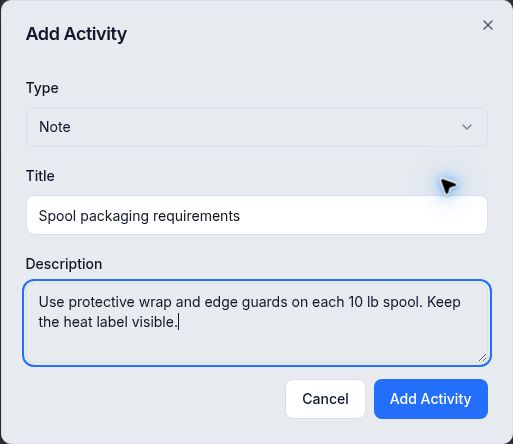
Review the title and description before saving the Note. The Add Activity button is disabled while Title is empty.
- Save and check the entry
Select Add Activity. Wait for the form to close and the entry to appear in Activity.
Check the title, description and displayed date/time. Reopen the account if you need to confirm the entry persisted.
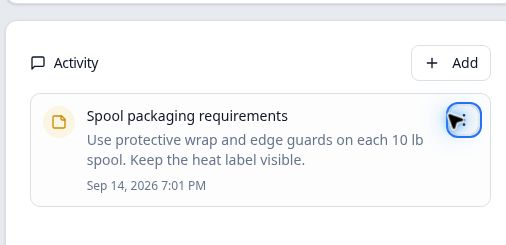
The same Note remains after reopening the account.
Expected result
Review before saving
In this example, the saved entry's three-dot menu offered Delete, with no Edit action. Check the wording before selecting Add Activity. This article covers adding and reviewing entries; deleting an entry is a separate action.