
Search and filter the Item Catalog
Combine item search with status and sort controls to find the reusable record you need.
Before you start
Open Quotes → Item Catalog. The search box, status selector and sort selector are directly above the item table.
Find a matching item
- Search by item details
In Search name, item #, description…, enter part of the item’s name, number or description. Wait for the results to update.
For example, enter PKG-SPOOL to find PKG-SPOOL-25LB — Protective spool packaging.
- Combine search with status
Use the status selector beside the search box. Choose Active to find current items. The menu also offers Archived and All statuses; the example below checks how those views interact with an active item. It does not verify retrieval of archived items.
The search remains in place when you change status. In the example, PKG-SPOOL + Active returned the packaging item. PKG-SPOOL + Archived returned No Catalog Items match these filters, because that item was Active. Choosing All statuses brought it back.
- Choose the result order
Use the next selector to choose a sort order. The menu includes Name (A → Z), Name (Z → A), item-number order, Recently updated and Recently quoted.
Here, Recently updated is selected while the search and Active status remain applied.
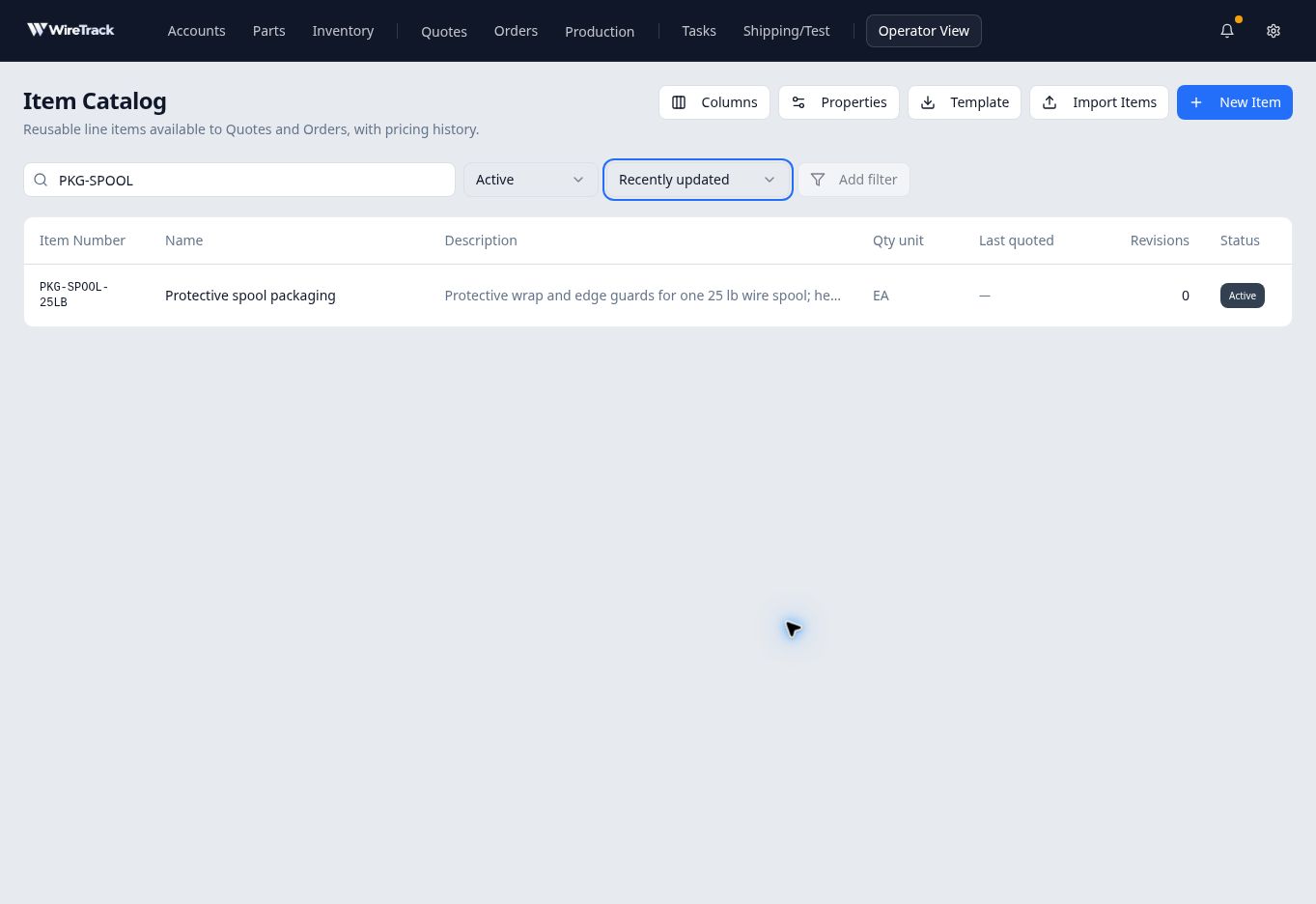
Search and status narrow the result set; the next selector controls its order. - Open the matching record
Check the item number, name and description, then select its row. The item drawer opens on Details so you can confirm it is the intended record.
If no items appear
Check the status selector, then clear or shorten the search text. An empty filtered result does not mean the catalog is empty.
Add filter depends on the catalog properties configured for your company. It is disabled in this example. Use the available search and status controls; the inventory page’s alloy and diameter filters do not establish which filters are available in Item Catalog.